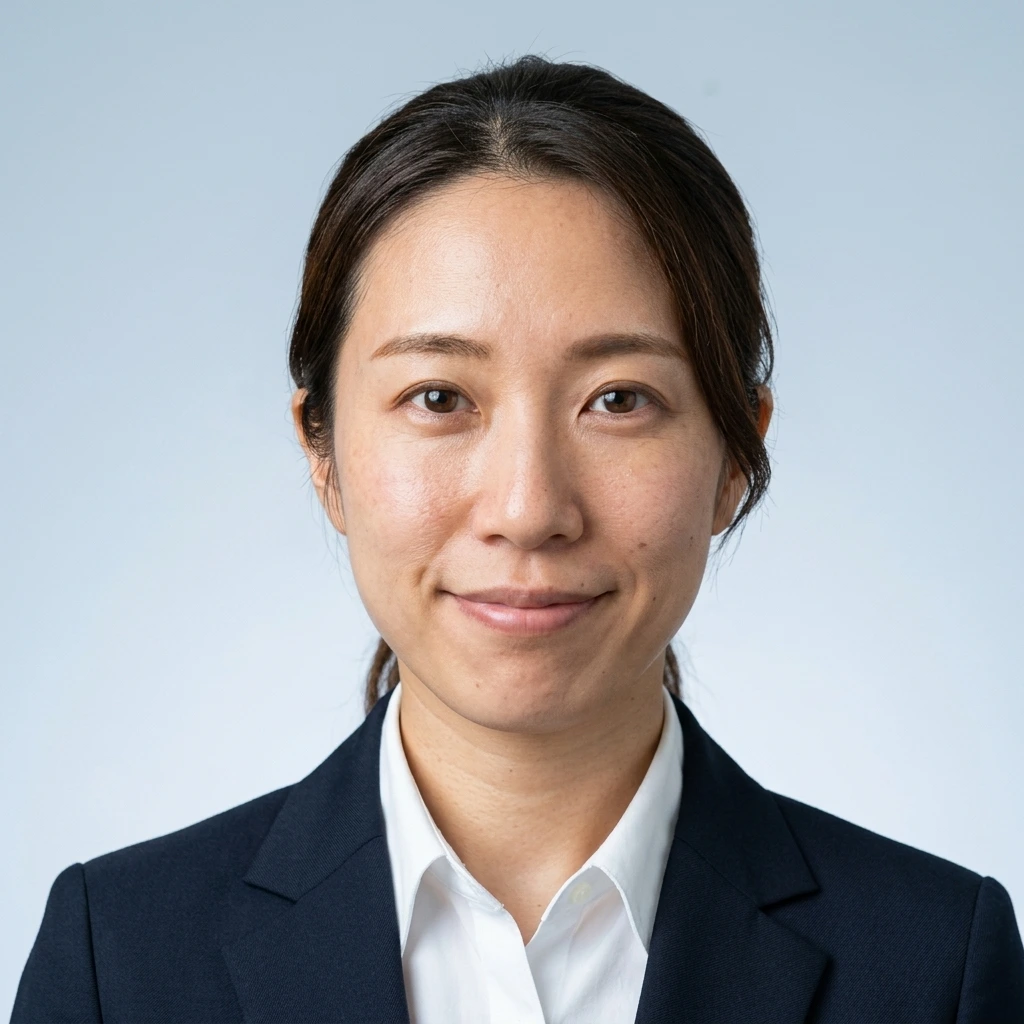
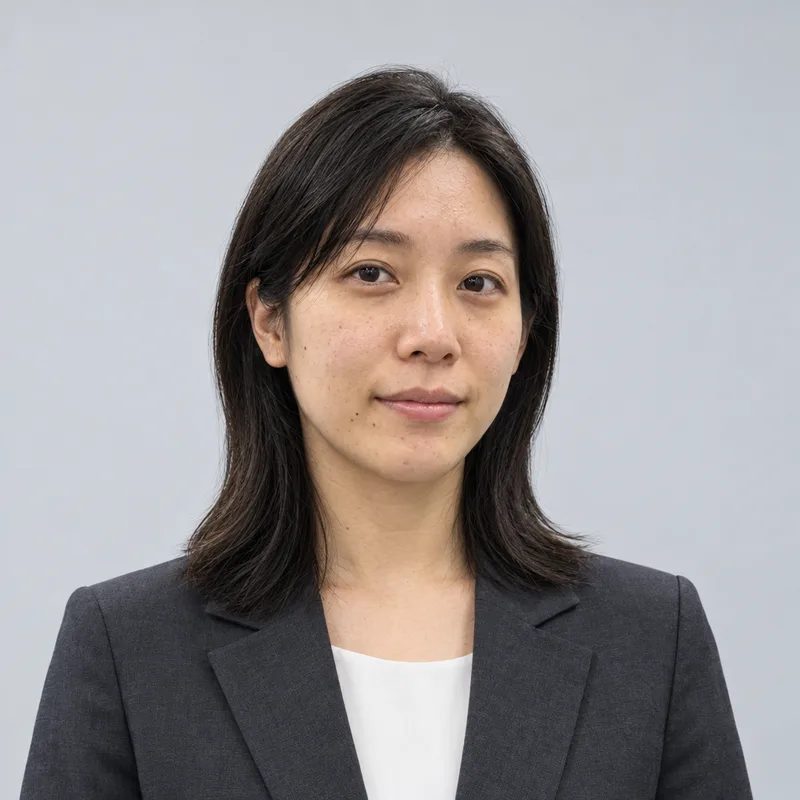
How the business profile style looks
A friendly business photo for a company site, business card, LinkedIn or internal profile.
- We never store your original selfie
- Not used for AI training
- No subscription
See a free preview → No account · four versions for ¥800 (tax incl.)
Style: Business profile

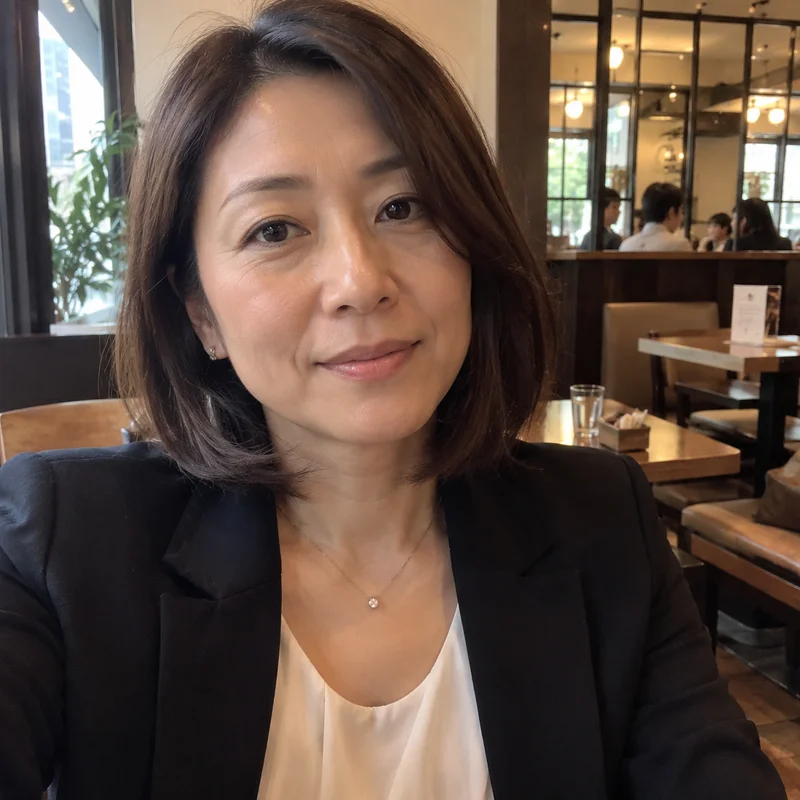
Left: an ordinary selfie. Right: the portrait fotoya.tokyo made from it. Drag the slider to compare.
Sample images. The people shown are AI-generated; these are real results.
What the result looks like
- Clothing: a well-fitted dark blazer over a white or light shirt; a tie is optional.
- Hair: neatly styled.
- Expression: a warm, approachable natural smile; a little teeth is fine.
- Background: soft warm gray with a subtle gradient.
- Light: a soft key light from camera-left with gentle fill, leaving light shadows that give the face shape.
- Framing: facing the camera, head to mid-chest, with a little space above the head.
There is no official standard
No government or industry standard sets the size or look of a company-site, business-card or LinkedIn photo. The list above is our standard; a company's own rules come first.
LinkedIn's Professional Community Policies ask that a profile photo show you. A photo made from your own selfie with your features kept is in line with that.
Not for residence cards, My Number cards, passports or other government documents. The Immigration Services Agency photo standard does not allow image editing, and the My Number card guidance rejects faces that differ markedly from normal. Use a photo booth or a studio for those.
We do not change your face
Face shape, features, skin texture, moles and marks stay as in your selfie. We do not slim, smooth or make you look younger. What changes is the clothing, how your hair is arranged, the background, the light, the framing and the expression.
Whatever is in the selfie carries over, so a selfie taken from very close keeps the proportions of that distance. Read why your photo doesn't look like you.
How it works
1. Upload a selfie
One phone selfie is enough. We never store the original.
2. Choose a use
Pick one of four styles: job hunting, career change, business or profile.
3. Preview, then buy
See the result free in about 30 seconds. If you like it, ¥800 gets all four versions without watermark.
Questions
Can I use it as a staff ID photo?
If your company's rules allow it. If it asks for the same standard as a government document or an unedited photo, use a photo booth.
Sources
Free watermarked preview of your own face first. No account.
Upload a selfie