
- ① Menu
- ② Selfie
- ③ Preview
- ④ Pay
2Then insert one selfie
Price list
All prices include tax.
- Credit card
- Apple Pay
- Google Pay
- Konbini
- Paidy
- Pay-easy
Handled on Stripe's or KOMOJU's secure page — we never see your card number.
- Pay only after the preview
- No sign-up, no app
- Your selfie is never stored
- Four different versions to pick from
Payment comes last — literally.
No card on file, no account. The only money involved is ¥800 — and only once you've seen your finish and want it.
- STEP 1 · ¥0
Upload one selfie
An everyday photo is fine. Bed hair, messy background — we'll tidy all of it.
- STEP 2 · ¥0
Check your free preview
Not a stranger's sample — your own face, with a light watermark.
- STEP 3 · ¥800
Love it? Check out
Pay and instantly download all 4 photos, watermark-free — the one you previewed plus the 3 that were blurred.
Not feeling it? Just close the tab — ¥0, always.
Samples from our shop window.
Left: the original. Right: the finished result. Drag the slider to compare.
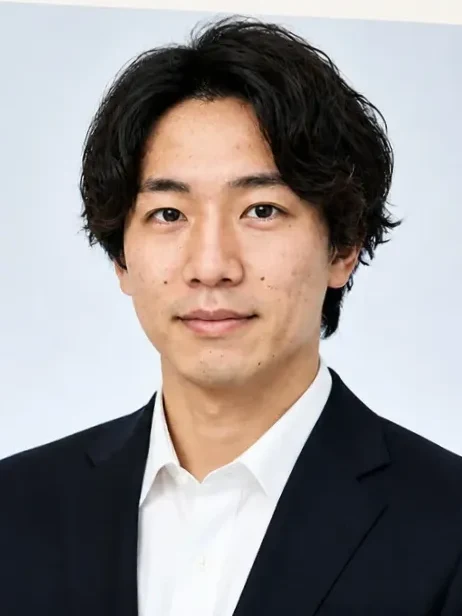
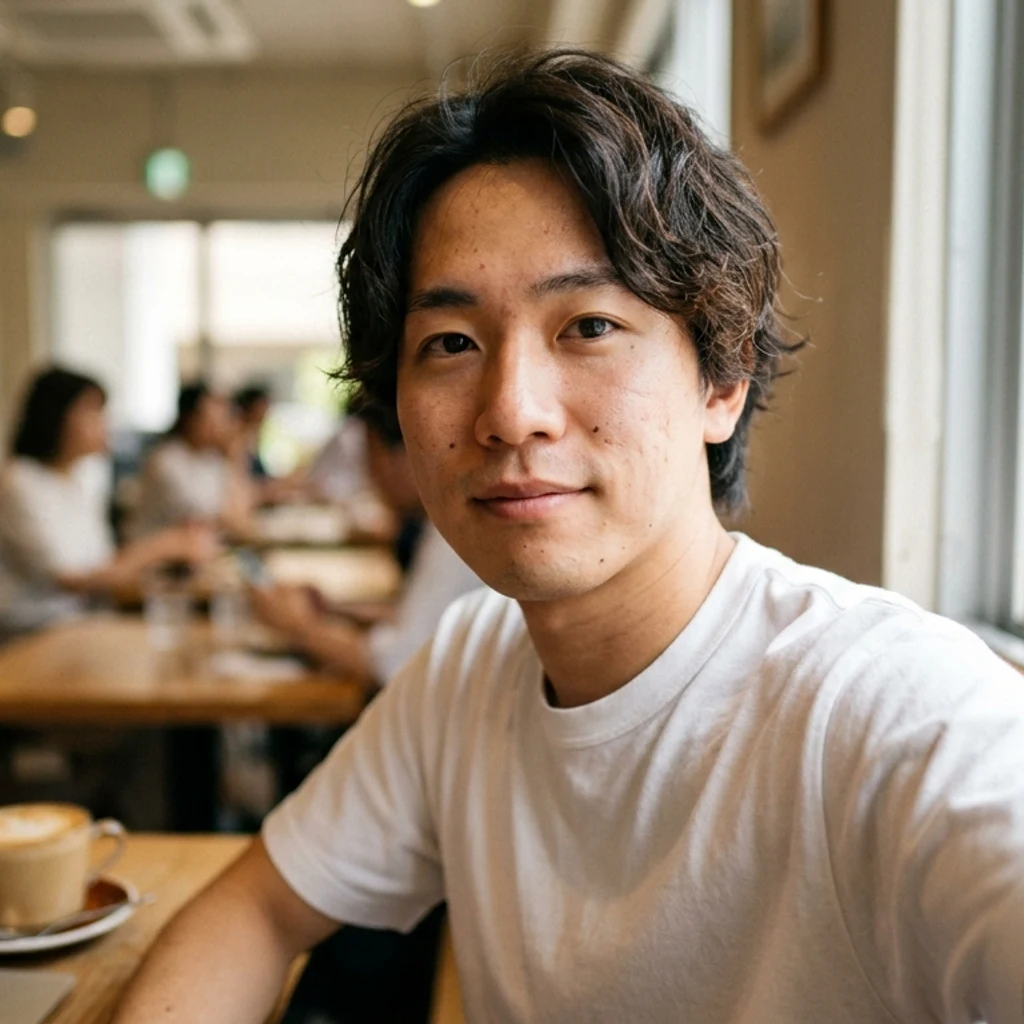
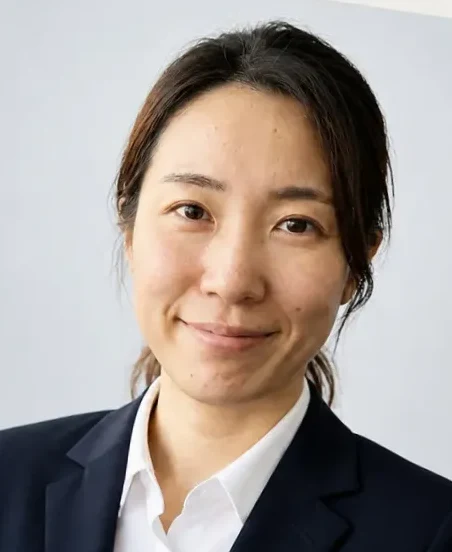
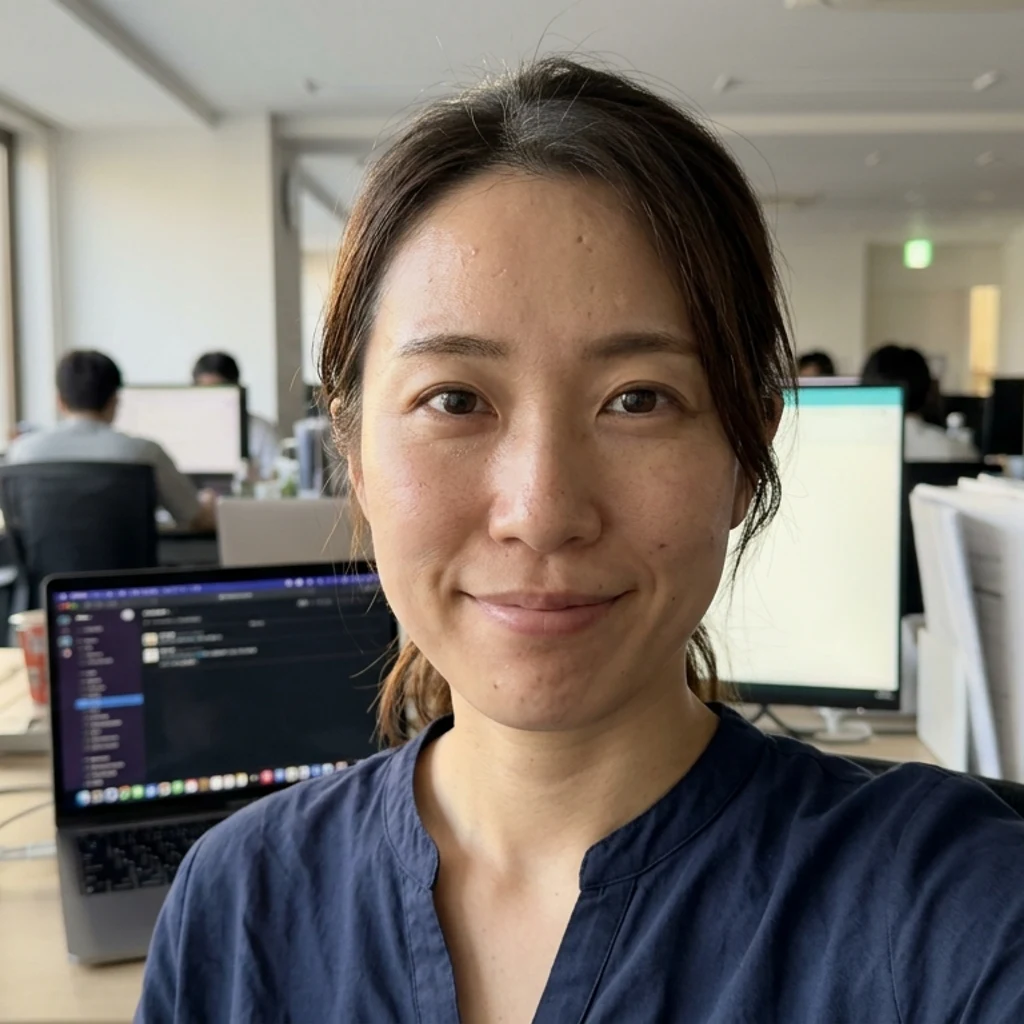
House rule: tidy up, don't glam up.
-
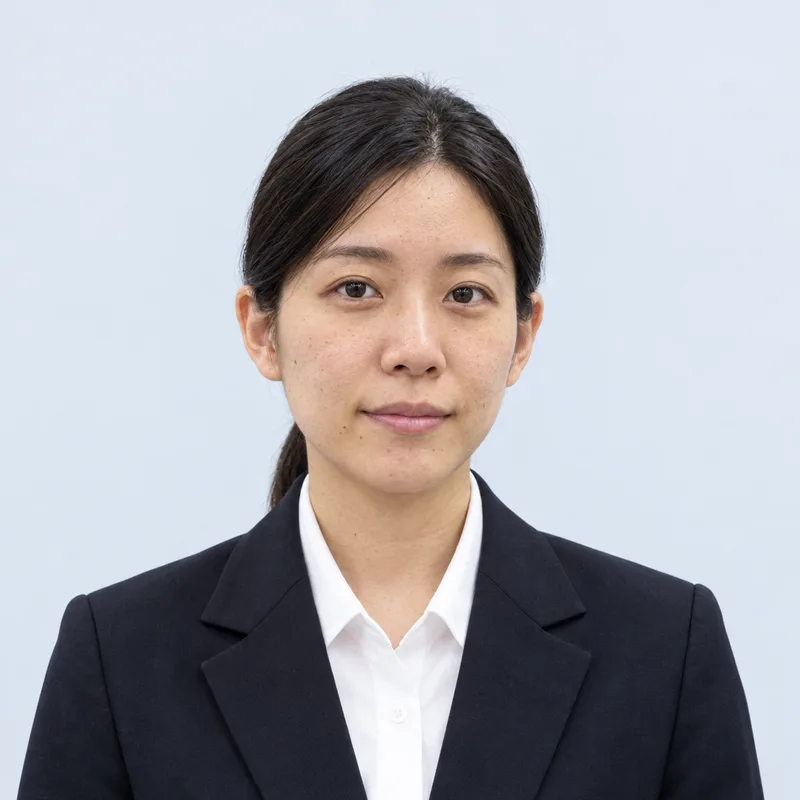 Job-hunting
 -
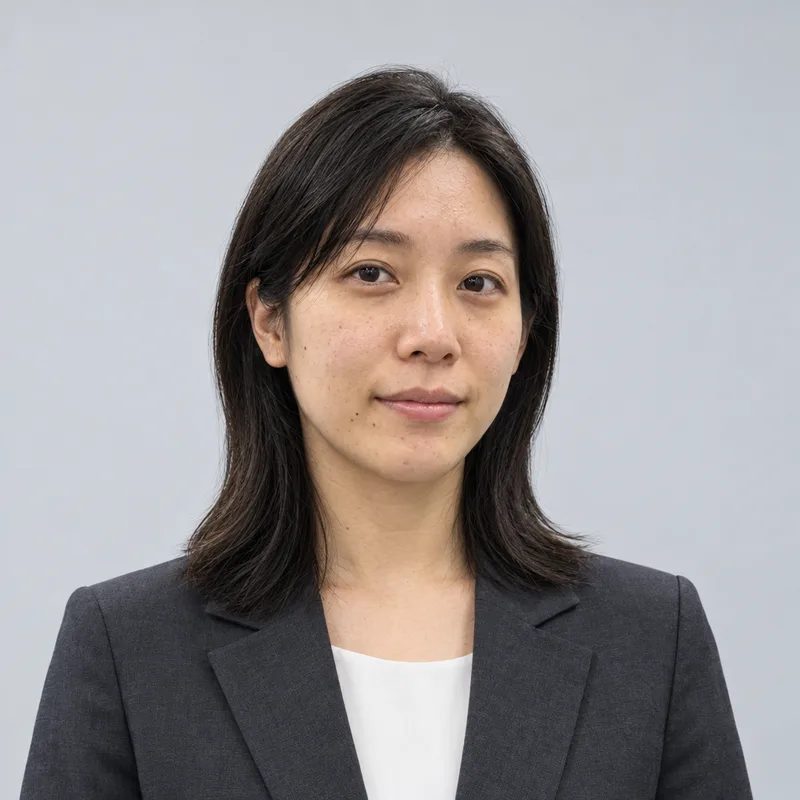 Career change
 -
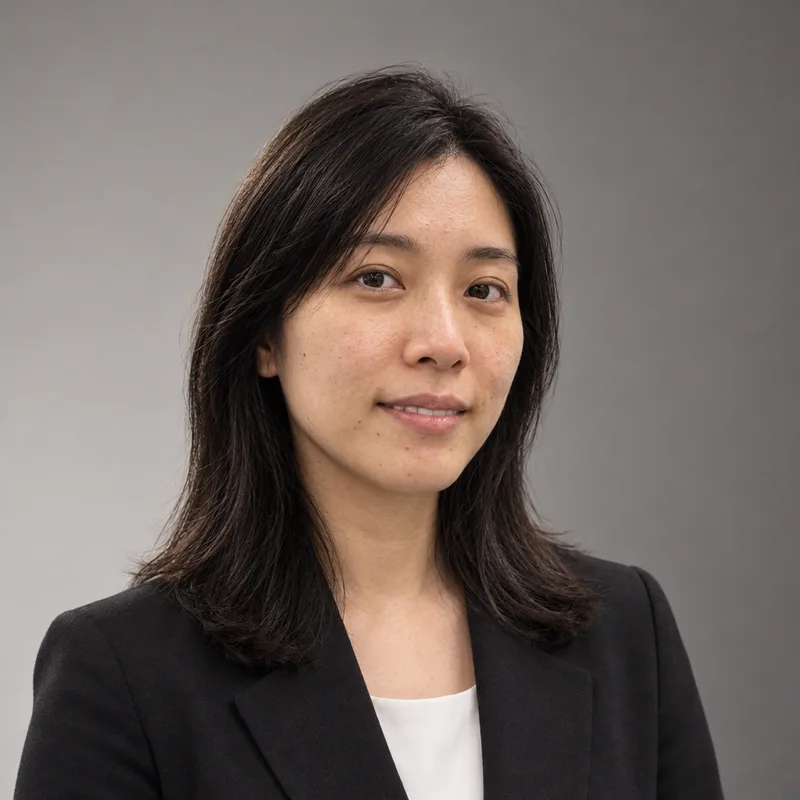 Business
 -
 Profile
AI-generated sample edits. Results vary from photo to photo.
Why can we show you first?
The preview carries a light watermark — which is why we can proudly show it before you pay. With a job-hunting or résumé photo, all that matters is how your own face turns out. We believe seeing it first is the surest way to decide.
The four watermark-free versions are handed over right after payment.
Same ¥800 as the station booth. The difference: when you pay.
| Item | Photo booth | fotoya.tokyo |
|---|---|---|
| When you pay | Pay ¥800 before you shoot | Pay ¥800 after seeing the finish |
| What you get | Copies of the same single shot | Four different versions to pick from |
| Where | You go to the machine | On your phone, anytime |
Compared with the standard ¥800 base price of Japanese ID-photo booths (Ki-Re-i etc.).
Frequently asked questions
Is the preview really free?
Yes — seeing your preview costs ¥0. No card details are collected, and walking away never triggers a charge.
Why is the preview watermarked?
The watermark marks it as a pre-payment proof. After payment you download the four versions watermark-free.
Will it change my face too much?
Our house rule is tidy up, don't glam up — background, lighting and grooming are adjusted for a natural, professional finish. Check your own result in the free preview before paying.
I don't own a suit.
No problem — we finish job-hunt-appropriate attire from a plain-clothes selfie.
What happens to my uploaded photo?
Your selfie is never stored — it's processed in server memory only while your photos are generated, then discarded, and never reused or used for training. Generated photos are kept for 30 days after payment, then deleted automatically — or delete them anytime from the result page.
Which payment methods can I use?
Credit card, Apple Pay and Google Pay, plus konbini payment, Paidy (pay later) and Pay-easy.
What if the result isn't good?
Bright, front-facing photos finish best. If the preview isn't right, you owe nothing — just try again with a different photo.
Can I get a refund?
As a digital product, we don't offer refunds after payment (except a full refund if a technical fault on our side prevents the download). That's exactly why you see all four finished photos before paying.
Pricing
No add-ons· not a subscription — you pay once
Payment methods
- Credit card
- Apple Pay
- Google Pay
- Konbini
- Paidy
- Pay-easy
Card, Apple Pay and Google Pay are processed on Stripe’s secure page; other methods on KOMOJU’s. We never store your card number.
Ready-to-use files
For job-site profiles, online applications and social media alike.
- Four watermark-free high-resolution files
- Instant download
- Re-download anytime for 30 days
Here is exactly what happens to your photo.
- Your selfie is never stored — it is held in memory only while your photos are generated, then discarded. Never used for training.
- Generated photos are kept for 30 days, or delete them yourself anytime.
- No account needed. We don't ask for your name or your email.
Your selfie is checked in Tokyo (AWS), then sent to OpenAI in the US only to generate your photos. See our privacy policy for details.
Where you can use it
○ Good for
- Résumés
- Entry sheets
- Job & career sites
- Staff directories
- Social profiles
× Not for official ID
- Passport
- My Number card
- Driver's licence
- Residence card
AI-finished photos may be rejected for official documents. For those, please use a photo studio or an ID-photo booth.
Operator
Operated by the fotoya.tokyo team
No queueing, no going out, no wasted coins. Finish your resume photo at the photo shop inside your phone.