ID photos in Japan: what the rules say, and when an AI photo is fine
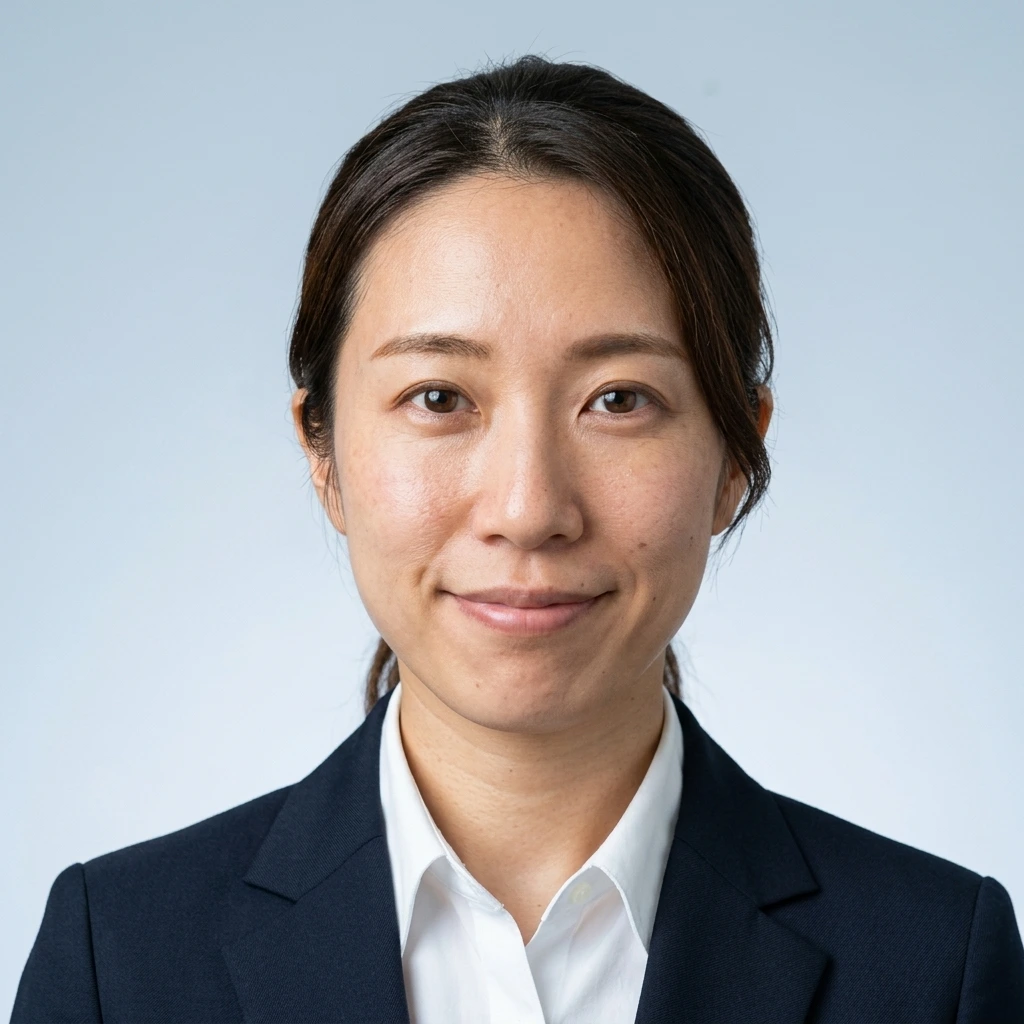
Recommended style: Career-change résumé photo (転職写真)
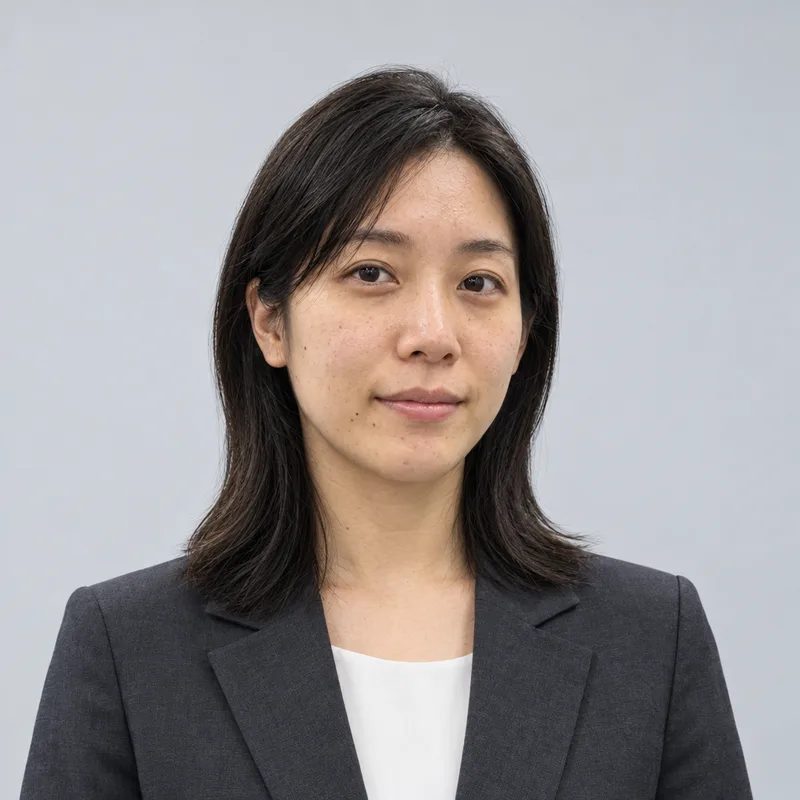
Government documents need an unedited photo of you. Most other things that ask for an "ID photo" (resumes, company and school ID cards) just need a clean, front-facing portrait.
Government documents: use an unedited photo
The Immigration Services Agency's photo standard says it is inappropriate "under any circumstances" to change the image of the person with image processing: making the eyes bigger, whitening the face, correcting facial features, moles or wrinkles. Mirrored photos are not accepted either, and applications with an unsuitable photo are sent back for a retake.
A portrait made by AI from a selfie is image processing. Don't use one, from fotoya or anywhere else, for your residence card, visa or status-of-residence applications, your My Number card or a passport. The My Number card photo checklist likewise rejects photos that look significantly different from your normal face, and your face may be checked against the photo when you collect the card.
The official photo rules at a glance
| Document | Size | Taken within | Key rules |
|---|---|---|---|
| Residence card and immigration applications (status of residence, extension, change) | 4 cm × 3 cm | 6 months | Only you, facing front, no hat, plain background without shadow, sharp, name on the back, no retouching |
| My Number card | 4.5 cm × 3.5 cm | 6 months | Facing front, no hat, plain background, name and date of birth on the back; not significantly different from your normal face |
| Japanese visa from abroad | Set by the embassy or consulate | Set by the embassy | Follow the photo rules of the embassy where you apply |
Checked against the Immigration Services Agency and My Number card guidance in October 2026. Since 14 June 2026 residence cards for children aged 1 to 15 also show a photo. Rules change: confirm on the official page before you apply.
Where to get a photo for government documents
- A photo booth (証明写真機) at a station, supermarket or konbini: a few minutes, from about ¥800. Many booths can also send your My Number card application directly.
- A photo studio (写真館): more expensive, useful if you also want prints for other documents.
- For the My Number card you can also apply by smartphone and take the photo with your phone camera.
Where an ID-style photo from a selfie is fine
Plenty of things in Japan ask for a 証明写真-style photo without being government documents. For these a clean, front-facing portrait that clearly looks like you is what counts, and that is what fotoya's business styles (転職写真, 就活写真) make:
- Your rirekisho and job applications (see the Japanese resume photo guide)
- Company ID cards (社員証) and internal staff directories
- University or language-school student ID cards and club or gym memberships
- Part-time job (アルバイト) applications
If the instructions say "unedited", or point to government photo rules, use a photo booth.
Questions
Can I use a fotoya photo for my residence card or visa?
No. Immigration photos must not be retouched or processed, and an AI-made portrait counts as processed. Use a photo booth or studio for anything you submit to the Immigration Services Agency.
Can I use it for my My Number card?
No. The photo must not look significantly different from your normal face, and it may be checked against your face when you collect the card. You can take one with your phone when you apply by smartphone.
What about school or exam applications?
Follow their instructions. Many test and school applications ask for an unedited photo taken within a set period; when in doubt, use a photo booth.
Then what are the business styles for?
Resumes, company and student ID cards and other everyday uses where you need a tidy, front-facing photo of yourself but not a government-standard one.
Sources
- Immigration Services Agency: submission photo standards
- Immigration Services Agency: photos for residence cards of children aged 1 to 15 (from 14 June 2026)
- Immigration Services Agency: what is a residence card?
- Ministry of Internal Affairs and Communications / J-LIS: My Number card photo checklist (PDF, Japanese)
- My Number card official site (J-LIS)
Free watermarked preview of your own face first. No account.
Upload a selfie